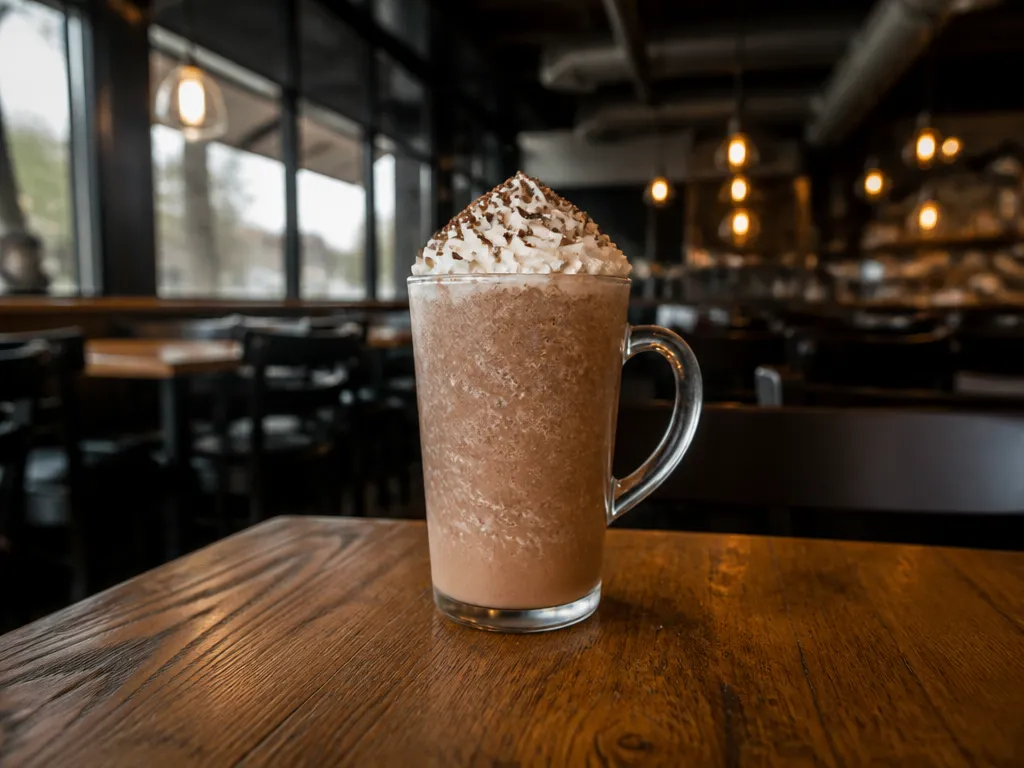
To request a “skinny peppermint mocha,” specify the recipe rather than relying on the name: non-fat milk, sugar-free mocha sauce, sugar-free peppermint syrup, and no whipped cream. Whether a store can make that combination, and whether it appears as a named drink, depends on the ingredients and options available at that location.
Use this script: “I’d like a [size] peppermint mocha with non-fat milk, sugar-free mocha sauce, sugar-free peppermint syrup, and no whipped cream.” Exact seasonal availability and pricing could not be verified, so check your selected store in the app or ask at the register.
What Exactly Is Skinny Peppermint Mocha At Starbucks?

“Skinny peppermint mocha” is best treated as a requested customization rather than a confirmed, permanent menu item. The target recipe is non-fat milk, sugar-free mocha sauce, sugar-free peppermint syrup, and no whipped cream. If you want whipped cream, state that separately instead.
Core Ingredients And Customization Outline
Use this checklist when ordering. The chocolate component is the mocha sauce, the mint component is peppermint syrup, and the milk choice is non-fat. To request the full combination, name all three ingredients and then say no whipped cream.
A barista may need to confirm which options are available. Repeat the sugar-free instructions if the register or app presents only regular choices.
| What you’re controlling | Order target |
|---|---|
| Milk | Non-fat milk |
| Chocolate flavor | Sugar-free mocha sauce, if available |
| Mint flavor | Sugar-free peppermint syrup, if available |
| Cream topping | No whipped cream |
Seasonal Availability Notes
Peppermint may be offered as a seasonal flavor, but the timing and ingredient selection for a particular store could not be verified. The app may stop listing a peppermint drink or may omit one of the requested sugar-free options.
If one component is unavailable, keep the non-fat milk and no-whipped-cream requests if those remain available, then decide whether to use a regular flavor, another available flavor, or a different drink. Ask the store to identify the exact substitution before it is prepared.
Is Skinny Peppermint Mocha Available In My Store Or Region?
Availability can depend on the store, the date, and the options shown for the selected location. Verify the specific recipe rather than assuming that a peppermint mocha listed elsewhere can be made at your store.
If the exact combination is not orderable in the app, ask the barista whether the ingredients are available in person. If they are not, choose a clearly stated substitute or a different drink.
What In-store Script Guarantees The Requested Customizations?

No wording can guarantee that a store has every ingredient or that an order will be prepared without a mistake. A precise script does make the request easier to enter and verify.
Start with the size and base, then state the milk, flavor components, and topping instruction in one sentence. If an ingredient is unavailable, pause and agree on the replacement before the order is finalized.
How To Order Skinny Peppermint Mocha In The Starbucks App?
App Customization Settings To Select Dairy And Syrups
The labels and controls may differ by drink and store. Look for the milk, sauce or syrup, and topping sections. Select only options that are visibly listed, then review the order summary before checkout.
If a required option is missing, changing the pickup store may show a different menu. Do not depend on a free-text note to replace a missing customization. If you need the exact recipe, ask the store whether it can be made before placing the order.
What Does Each Customization Term Mean On This Order?
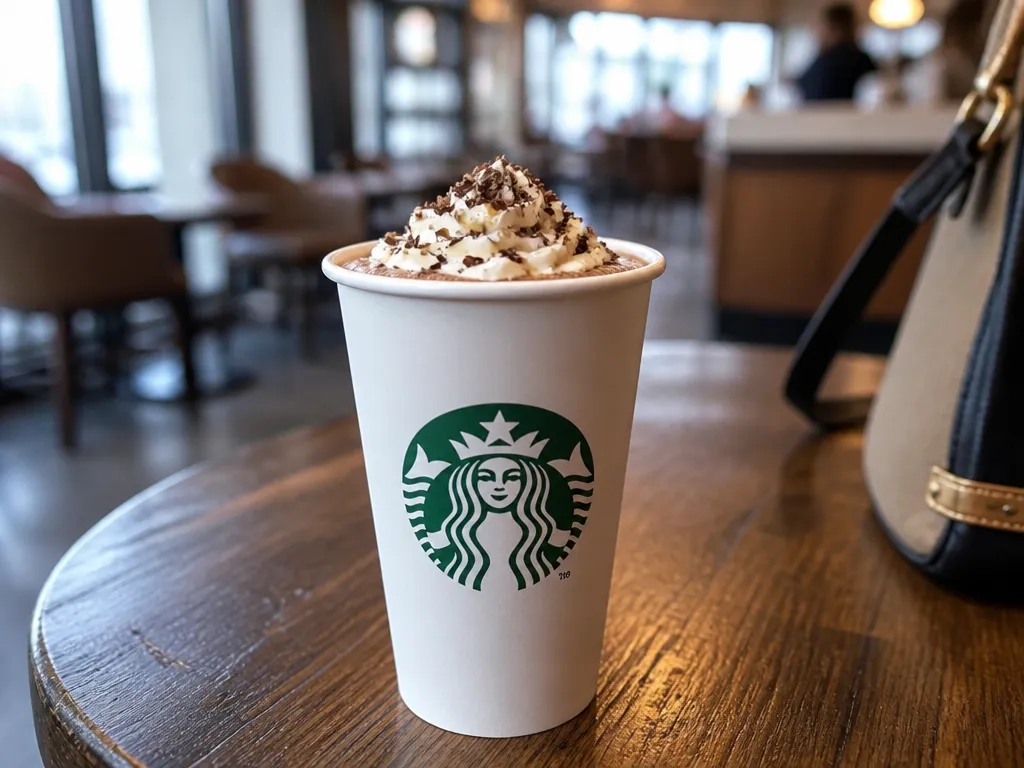
For this request, the terms below describe the components you want the store to use. They do not confirm that every store currently carries those components.
What Price And Nutrition Can I Expect For The Customized Drink?
No exact price or nutrition values were available for this specific customization. Price can change by store, size, and selected options. Nutrition also depends on the actual products, quantities, and substitutions used. Check the price and any nutrition information shown for your selected store and exact drink before checkout. If an ingredient is substituted, ask how that changes the order.
| Size | Typical Price Range (USD) | Calories (kcal) | Carbs (g) | Protein (g) | Fat (g) |
|---|---|---|---|---|---|
| Tall (12 oz) | N/A | N/A | N/A | N/A | N/A |
| Grande (16 oz) | N/A | N/A | N/A | N/A | N/A |
| Venti Hot (20 oz) | N/A | N/A | N/A | N/A | N/A |
| Venti Cold (24 oz) | N/A | N/A | N/A | N/A | N/A |
These figures remain unavailable for the precise build. Use the local app or register for the current price, and use the available nutrition display for the actual selected ingredients. If the store changes an ingredient, treat the displayed information as applying to the revised drink rather than the original request.
What Should I Do If A Required Sugar-free Ingredient Isn’t Available?
If a required sugar-free ingredient is missing, do not assume the store can create an equivalent replacement. Keep the requests that are still available, ask what alternatives exist, and confirm any change before the drink is made.
Syrup Missing, Staff Says “We’re Out” Or “We Don’t Carry Sugar-free”
Symptom: The barista says that the sugar-free mocha sauce or sugar-free peppermint syrup is unavailable.
Likely cause: The ingredient is not stocked, is temporarily unavailable, or is not offered for that store’s current menu.
Fix: Ask which requested components can still be made and whether a clearly identified alternative is available. Say, “Which of the sugar-free mocha or peppermint options do you have today? I still want non-fat milk and no whipped cream.”
Copy-ready in-store: “Please make a peppermint mocha with non-fat milk and no whipped cream. If either sugar-free component is unavailable, tell me what the exact alternative would be before you make it.”
No Exact Sugar-free Replacement, You Must Choose A Trade-off
Symptom: One or both requested sugar-free flavor components are unavailable, and the store has no matching replacement.
Likely cause: The store’s current ingredients do not support the requested recipe.
Fix (two paths): Path A is to keep one sugar-free component and accept a regular version of the other. Path B is to skip the unavailable flavor or choose another drink. Keep non-fat milk and no whipped cream only if those options remain available.
Trade-off: Using a regular sauce or syrup means the result no longer matches the fully sugar-free request. Ask the barista to repeat the revised recipe.
Copy-ready in-store (choose one): “Use sugar-free mocha sauce and the available peppermint option, but please tell me whether the peppermint is regular.” Or, “Use sugar-free peppermint syrup and the available mocha option, but please tell me whether the mocha is regular.”
App Order Shows Fewer Customization Options Than You Expect
Symptom: The app does not show sugar-free mocha or sugar-free peppermint choices for the selected store.
Likely cause: Those options are not available through that store’s current ordering menu, or the store does not have the relevant ingredient listed.
Fix: Try another pickup location and check the options again. If the exact build still does not appear, ask the store before ordering. Do not assume that a note can override an unavailable app option.
What Is The Quick-reference Cheat Sheet For Orders?
Use these lines to state the requested recipe clearly. Availability still needs to be confirmed by the app or store.
Copy-paste Phrases For In-store Orders
Say the base and size first, then the milk, flavor components, and topping instruction.
Pitfall to avoid: Do not let an unavailable ingredient pass unnoticed. Stop and confirm the revised recipe before the drink is made.
Copy-paste Phrases For App Orders
Use the app’s visible customization controls first. Treat notes as clarification, not as a replacement for a missing menu option.
Pitfall to avoid: Do not assume that the drink title means the requested recipe. Check the summary for non-fat milk, both sugar-free flavor components, and no whipped cream.
Quick Summary
To request a Starbucks “skinny peppermint mocha,” specify non-fat milk, sugar-free mocha sauce, sugar-free peppermint syrup, and no whipped cream. The exact combination and drink name may not be available at every store.
| Condition that changes the outcome | What to do |
|---|---|
| Missing sugar-free sauce or syrup | Ask which component is unavailable and confirm any substitute before ordering. |
| Seasonal menu coverage | Check the app for the exact pickup store or ask staff about current peppermint availability. |
| Store-specific app and menu labeling | Use the visible customization options and verify the final summary. |
| Size you choose | Select and confirm the size shown in the app or state it at the register. The sizes listed above are examples, not confirmation of current availability. |
Next action: Set your pickup location, look for a peppermint mocha or closest available base, and select non-fat milk, sugar-free mocha sauce, sugar-free peppermint syrup, and no whipped cream only if those options are shown. Otherwise, ask the store what can be made.
Frequently Asked Questions
Can I Order A Skinny Peppermint Mocha As A “Skinny” Drink By Name, Or Do I Need To Spell Out The Components?
Spell out the components. The name may not be a current menu label, and it does not by itself confirm the milk, sauces, syrup, or topping.
Use: “To confirm, is that non-fat milk, sugar-free mocha sauce, sugar-free peppermint syrup, and no whipped cream?”
What Happens If I Do Nothing Specific, And I Just Order “Peppermint Mocha”?
You have not requested the customized recipe. Ask for each required component separately, especially the two sugar-free flavor options and no whipped cream.
Your clearest instruction is: non-fat milk, sugar-free mocha sauce, sugar-free peppermint syrup, and no whipped cream, subject to availability.
How Long Does It Take Compared To A Regular Drink, And Will The App Change My Wait Time?
No reliable timing figure was available. Wait time depends on store workload, the ordering method, and whether the requested ingredients are available.
If you use the app, set the pickup location before customizing and review the order summary before submitting it.
What If The Store Says They Can Do “Sugar-free,” But They Cannot Do Both Sugar-free Mocha Sauce And Sugar-free Peppermint Syrup?
Ask which component is available and which would be regular or omitted. Then decide whether that revised drink meets your needs.
You can keep no whipped cream and non-fat milk if those options are available, but do not describe the result as fully matching the requested recipe if one flavor component is regular.
What’s The Best Way To Verify The Staff’s Claim About My Drink If I Cannot See The Build?
Ask the barista to repeat the four requested elements: non-fat milk, sugar-free mocha sauce, sugar-free peppermint syrup, and no whipped cream.
Use: “So it’s non-fat milk, sugar-free mocha sauce, sugar-free peppermint syrup, and no whipped cream, correct?” If an ingredient is unavailable, ask what was used instead.
When Should I Ask For Help From Someone Higher Up, Or Walk Away And Try Another Store?
Ask for a manager if the store cannot clarify which ingredients were used or if the order repeatedly differs from the confirmed recipe. A manager cannot create an unavailable ingredient, but may clarify the store’s current options.
If the issue is repeated unavailability, check another store or choose a different day. Confirm the recipe again rather than assuming the drink will be available later.

- Espresso Bar Wedding: Ideas, Setup, Costs, and Tips for a Memorable Coffee Experience - November 11, 2026
- How Many Grams of Espresso Beans for a Double Shot? A Complete Brewing Guide - November 11, 2026
- Brasilia Espresso Machine: Features, Performance, Models, and Buying Guide - November 11, 2026