
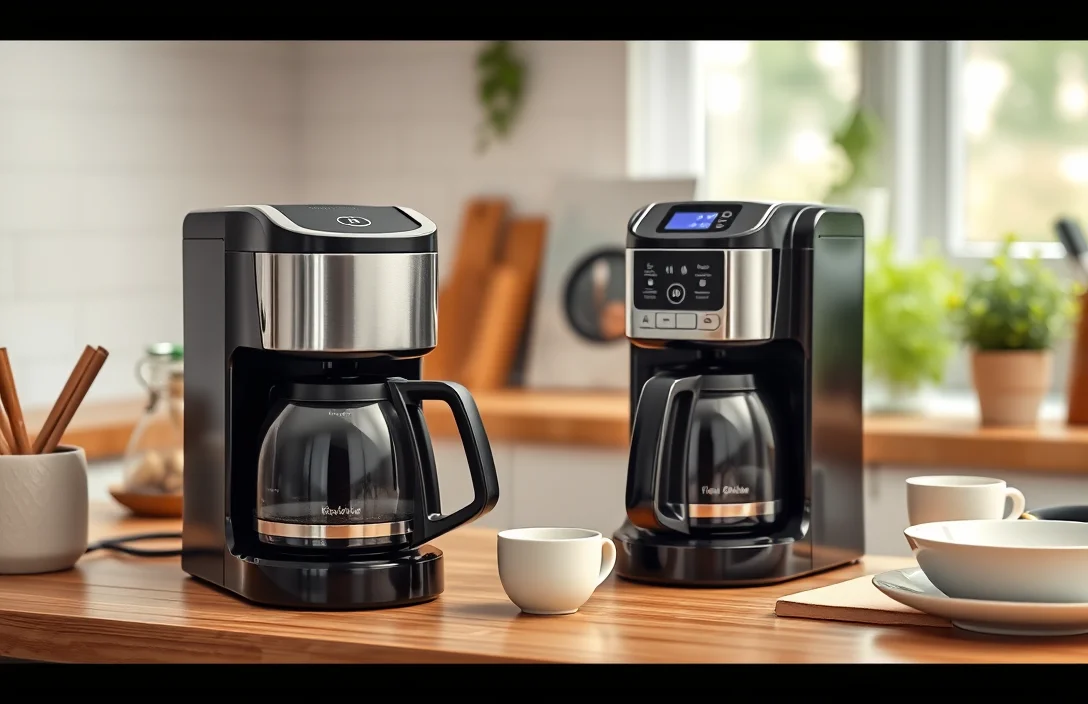
Programming your Black and Decker coffee maker can save you precious time and ensure a fresh brew when you wake up. Many users overlook this feature, missing out on the convenience of a perfectly timed cup of coffee each morning.
Begin by setting the clock and then program the brew time. Ensure the carafe is positioned correctly, and follow the steps for customizing your brew strength if available.
Setting Up the Coffee Maker
Begin by placing the coffee maker on a flat, stable surface. Ensure it’s near an electrical outlet for easy access. Unpack the machine and remove any packaging materials, such as tapes or plastic. Check inside the carafe for any additional accessories that may be included, like a reusable filter or measuring spoon.
Next, rinse the carafe and filter basket with warm water to eliminate any manufacturing dust. This step helps maintain the coffee’s flavor by providing a clean brewing environment. Make sure to dry these components thoroughly before reassembling them in the machine.
Fill the water reservoir with fresh, cold water up to the desired level. Use the markings on the side of the reservoir to gauge the amount. Avoid using hot water as it may damage the internal components. Once filled, securely close the reservoir lid to prevent spills during brewing.
Plug in the coffee maker to the electrical outlet. Ensure the power switch is in the off position before turning it on. Familiarize yourself with the control panel, where you will find buttons for brewing, programming, and other settings.
Programming Brew Timers
Set the brew timer effectively. Start by locating the “Program” button on your Black and Decker coffee maker. Press this button to initiate the programming mode, which allows you to set a specific time for the machine to start brewing coffee automatically.
Select the desired time using the hour and minute buttons. Ensure that the AM/PM setting is correct, as this will determine whether your coffee brews in the morning or evening. Pay attention to the display, which will show the set time as you adjust it.
Confirm your settings by pressing the “Program” button again. A beep will indicate that the timer has been successfully set. Remember, once programmed, your coffee maker will automatically start brewing at the specified time, ensuring your coffee is ready when you need it.
Lastly, check the water reservoir and coffee grounds to ensure they are prepared before the brewing time. Leaving everything ready will allow the machine to operate smoothly without any last-minute adjustments needed.
Adjusting Brew Strength
Select Bold or Regular brew using the machine’s strength button; on many Black & Decker models press the strength control until the indicator light shows the chosen level. If a strength control is absent, change the coffee-to-water ratio: use two tablespoons per six fluid ounces for normal, three tablespoons for a bold cup. Adjust grind slightly finer for better extraction.
Refer to your manual to learn how to program black and decker coffee maker settings for strength memory; many models retain the last strength, while others default to regular when powered off.
Clean brew basket and carafe regularly to remove oil residue that dulls flavor so strength selections produce the expected result; descale per the manual if brews taste weak despite stronger settings.
Using the Auto Shut-Off
Auto shut-off features enhance safety and convenience. Most Black and Decker coffee makers automatically power down after a set period, usually around 30 minutes. To ensure optimal use, familiarize yourself with this setting and confirm that it is activated. This prevents overheating and saves energy, making your coffee-making experience stress-free.
Accessing the auto shut-off function is straightforward. Look for the settings button on your machine. Press it until you see the auto shut-off indicator light up on the display. Depending on the model, you may have options to adjust the shut-off time, allowing you to customize it to your routine.
Monitoring the auto shut-off can prevent mishaps. If you often forget to turn off your coffee maker, programming this feature is essential. Regularly check the settings to ensure they align with your daily habits. Remember to consult the user manual for specific instructions related to your model.
Setting the auto shut-off correctly maximizes efficiency. By ensuring the coffee maker powers down after use, you contribute to an eco-friendly kitchen. Always keep in mind that maintaining this feature not only benefits your safety but also extends the lifespan of your appliance.
Cleaning and Maintenance Tips
Regularly clean your Black and Decker coffee maker to maintain optimal performance. Start by unplugging the machine and allowing it to cool down. Remove any leftover coffee grounds and rinse the brew basket and carafe with warm, soapy water. This simple routine prevents residue build-up and ensures that each cup tastes fresh.
Descaling the coffee maker every few months is essential for longevity. Fill the water reservoir with a mixture of equal parts white vinegar and water. Run a brewing cycle without coffee grounds and let the solution sit for 15-30 minutes. Afterward, run a few cycles with clean water to flush out the vinegar taste.
Inspect the filter basket regularly for wear and tear. A damaged filter can compromise the brewing process and affect the flavor of your coffee. Replace it as needed to ensure that your coffee maker continues to function efficiently and provides delicious results.
Wipe down the exterior with a damp cloth to keep the machine looking new. Avoid using harsh chemicals or abrasive materials, as they can scratch the surface. Keeping the exterior clean not only enhances aesthetics but also extends the lifespan of your coffee maker.
Troubleshooting Common Issues
Programming errors often lead to frustrating brewing experiences. Double-check that you’ve set the correct time and brew settings. If the coffee maker fails to start, confirm that the power source is connected and functional. A simple reset can sometimes resolve minor glitches, so unplugging the unit for a few minutes might help.
Water reservoir issues can also hinder performance. Ensure it is filled to the appropriate level and seated correctly in the machine. If you notice any leaks, inspect the reservoir and seals for damages. Replacing worn parts can prevent future problems and maintain optimal brewing quality.
Temperature inconsistencies may arise during brewing. If coffee brews too weak or cold, check the brew strength settings and ensure the machine is preheating adequately. Cleaning the coffee maker’s internal components may also help restore proper functionality and enhance flavor.
Lastly, if the machine displays error codes, refer to the user manual. Each code typically indicates a specific issue, guiding you on how to troubleshoot effectively. Following the manufacturer’s recommendations can save time and ensure the coffee maker operates smoothly.
Understanding Control Panel Functions
Identify the programming buttons on your Black and Decker coffee maker. These typically include a clock, brew time, and program button. Mastering these buttons will streamline the process of scheduling your brew times, allowing you to wake up to a fresh pot of coffee every morning. Familiarize yourself with their functions for effective use.
Press the clock button to set the current time. Hold it until the display flashes, then use the hour and minute buttons to adjust. This step is crucial to ensure your coffee brews at the desired time. Accurate time settings prevent accidental brews at unwanted hours.
Engage the program button after setting the clock. The display will prompt you to select the brew time. Adjust using the hour and minute buttons as needed. Confirm your selection by pressing the program button again. This step finalizes your programming, ensuring your coffee maker is ready to brew when you want it.
Review all settings before leaving the coffee maker. Double-check the time and brew schedule to avoid any surprises. This final confirmation can save you from potential morning mishaps. Keeping your coffee maker properly programmed ensures a seamless brewing experience.
Using the Brew Pause Feature
Brew pause allows you to interrupt the brewing cycle and pour a cup before the cycle completes. Simply lift the carafe during the brewing process. This feature is particularly useful for those mornings when you need a quick caffeine fix without waiting for the entire pot to finish brewing.
Ensuring the carafe is properly seated in its place is crucial for optimal performance. If misaligned, the coffee may spill or not flow properly. Always check that the carafe is secure before activating the brew pause feature.
Pouring coffee during the brew cycle is only recommended for those models equipped with the brew pause feature. Without this capability, interrupting the process can lead to a messy situation and potentially damaging the coffee maker.
Cleaning the carafe after use will maintain the functionality of the brew pause feature. Residue buildup can affect the pouring mechanism, which may lead to leaks or spills. Regular maintenance ensures a smooth brewing experience.
Timing is essential when using this feature. Wait a few moments after the brew pause to allow the coffee to settle before pouring. This will help avoid any overflow and ensure that your cup is filled just right.
Key Point 9: how to program black and decker coffee maker
Programming your Black and Decker coffee maker ensures you wake up to the aroma of freshly brewed coffee. Begin by filling the water reservoir and placing a coffee filter in the basket. Next, add your desired amount of coffee grounds. Setting the timer is crucial for automatic brewing.
Press the “Program” button, then enter the desired brewing time using the hour and minute buttons. Confirm the time by pressing “Program” again. Set the clock if needed, ensuring the coffee maker operates on the correct time.
After programming, activate the machine by pressing the “On/Off” button. The display should show that the coffee maker is set to start brewing at the specified time. Make sure to check the water level and coffee amount to avoid any brewing issues.
Enjoy your perfectly brewed coffee by following these simple steps. Regularly clean the coffee maker to maintain optimal performance and ensure great-tasting coffee every time. With practice, programming your Black and Decker coffee maker will become second nature, enhancing your coffee experience.
Quick Summary
- Ensure the coffee maker is plugged in and powered on before programming.
- Fill the water reservoir to the desired level for brewing.
- Add ground coffee to the filter basket, using the recommended measurement.
- Access the programming feature by pressing the ‘program’ button on the control panel.
- Set the desired brewing time using the hour and minute buttons.
- Confirm the settings by pressing the ‘program’ button again.
- For delayed brewing, ensure the clock is set correctly to avoid confusion.
Frequently Asked Questions
How do I program my Black & Decker coffee maker to brew at a specific time?
To program your coffee maker, first ensure it is set to the correct time. Then, press the “Program” button, set the desired brewing time using the hour and minute buttons, and finally press “Program” again to confirm your settings.
What should I do if my Black & Decker coffee maker isn’t brewing?
If your coffee maker isn’t brewing, check to ensure it’s plugged in and the water reservoir is filled. Additionally, ensure the carafe is properly seated on the warming plate, and the brew basket is correctly in place.
How can I clean my Black & Decker coffee maker?
To clean your coffee maker, fill the water reservoir with a mixture of equal parts water and vinegar. Run a brew cycle, then run two or three cycles with just water to rinse out any residue.
Can I use coffee grounds instead of coffee pods in my Black & Decker coffee maker?
Yes, you can use coffee grounds by placing them in the brew basket designed for ground coffee. Just ensure you use the appropriate amount of coffee grounds based on the strength you prefer.
What is the maximum capacity of my Black & Decker coffee maker?
The maximum capacity typically depends on the specific model, but most standard Black & Decker coffee makers can brew up to 12 cups of coffee. Always refer to your user manual for the exact specifications related to your model.

- Are Pod Coffee Machines Healthy? The Unfiltered Truth About Your Daily Cup - September 27, 2026
- Does Gatorade Have Caffeine? Here’s What’s in Each Type - September 26, 2026
- Does Powerade Have Caffeine, or Is That a Myth? - September 26, 2026