
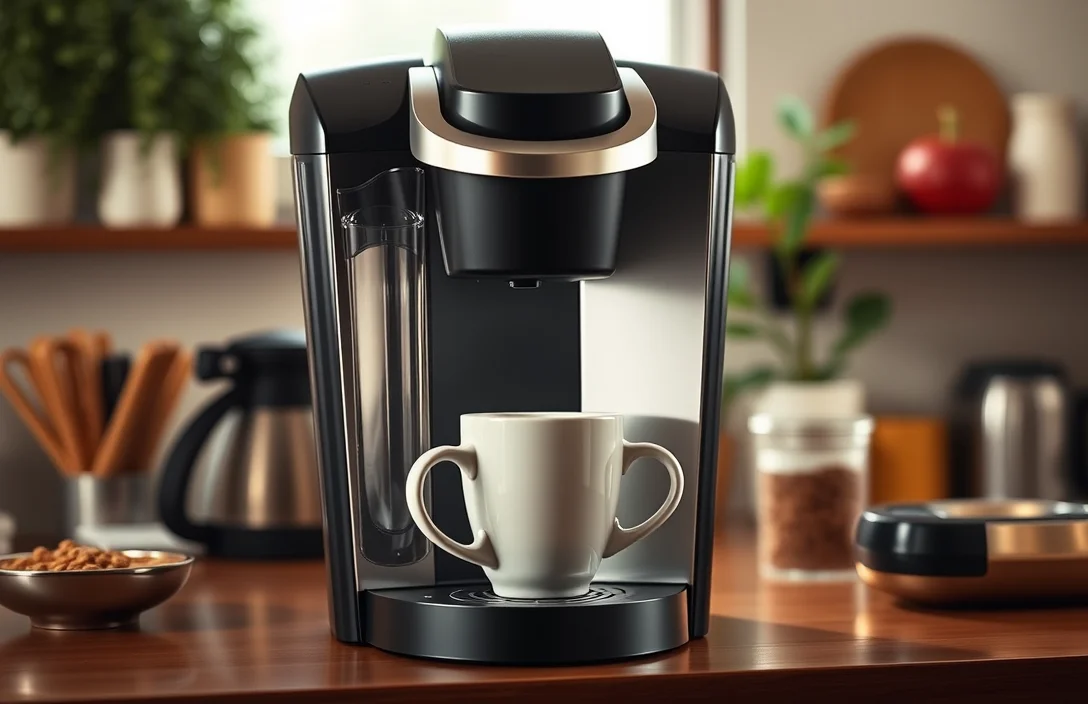
Statistics indicate that nearly 25% of Keurig users experience issues requiring a reset of their machines. Resetting a Keurig 2.0 can restore functionality and extend the life of your brewer, ensuring you enjoy your favorite coffee without interruptions.
Follow these key steps to reset your Keurig 2.0: power off the machine, remove the water reservoir, and hold the power button for 5 seconds. Reassemble and plug it back in for a fresh start.
Understanding Keurig 2.0 Features
Keurig 2.0 machines feature a unique brewing system tailored for convenience and customization. This model includes a color touch screen, which allows users to select brew sizes and preferences easily. Importantly, it also has a built-in barcode scanner that reads K-Cup pods to ensure optimal brewing conditions. Familiarizing yourself with these features aids in understanding how to reset the machine effectively.
Color touch screens enhance user interaction significantly. Users can navigate through various options and settings, making the brewing experience more personal. This functionality simplifies the process of resetting the unit, particularly when addressing issues related to brewing sizes or strengths. Knowing how to access these settings is crucial for troubleshooting.
Barcode scanning technology guarantees that each pod is brewed according to manufacturer specifications. This feature may trigger specific alerts when incompatible pods are used, prompting the need for a reset. Recognizing how this technology influences machine performance is essential for effective maintenance and resets.
Water reservoir capacity plays a key role in brewing efficiency. The 2.0 model typically holds 40 ounces, allowing multiple brews before refilling. Understanding the water level indicators can prevent brewing interruptions and potential errors, which may require resetting the machine to restore functionality.
Identifying Common Issues Requiring Reset
Malfunctioning machines often display various symptoms that indicate the need for a reset. Users may experience issues such as the brewer not turning on, error messages appearing, or the device failing to brew a cup of coffee. Recognizing these problems early can save time and frustration.
Inconsistent brewing results may also signal that a reset is necessary. If coffee strength varies significantly between brews or if the machine delivers less water than usual, performing a reset can help restore optimal functionality. This action may recalibrate the internal settings, ensuring a consistent brewing experience.
Blocked components often lead to performance issues. Clogs in the needle, water reservoir, or internal pipes can disrupt the brewing process. Resetting the device may clear temporary errors and allow for a smoother operation. Regular maintenance alongside this action can further enhance the machine’s longevity.
Unusual noises during operation indicate potential mechanical problems. If grinding, rattling, or other strange sounds occur, consider resetting the brewer to see if that resolves the issue. Persistent noises may also suggest the need for a thorough inspection or servicing.
Unexpected shutdowns during brewing cycles can frustrate users. If the machine powers off mid-brew, a reset might help restore its normal function. Pay attention to any patterns in these shutdowns, as they could signal deeper issues requiring professional assistance.
Step-by-Step Instructions for Resetting
Begin the reset process by unplugging your Keurig 2.0 from the power source. This step ensures that the machine can fully reset without any lingering power supply issues. Wait for at least 30 seconds before plugging it back in. This brief pause allows the internal components to reset properly.
- Press the power button to turn on the machine again. You should see the display light up, indicating that it is receiving power.
- Access the menu by tapping the settings icon on the touchscreen. This will open up various options for your machine.
- Locate and select the “Settings” option on the menu. This area contains several adjustable features for your Keurig.
- Scroll down to find the “Restore Defaults” option and select it. This action will reset the machine to its factory settings, resolving many common issues.
- Confirm the selection by following the on-screen prompts. This confirmation step is crucial to ensure the reset process is completed.
Monitor your machine for any error messages after the reset. If the issues persist, further troubleshooting steps may be necessary to ensure optimal performance.
Resetting for Maintenance Mode
Enter maintenance mode to enhance performance. First, power off the Keurig 2.0 by unplugging it from the outlet. Wait for at least five minutes before plugging it back in. This reset clears any temporary issues and allows the machine to refresh its settings.
Next, ensure the water reservoir is filled to the proper level. A full reservoir is crucial for the machine to function optimally during maintenance. Once filled, place the reservoir back into position securely.
Press and hold the “Brewing” button for at least five seconds. Doing so triggers the maintenance mode, which helps recalibrate the machine. You should see the display light up, indicating the machine is in maintenance mode.
Lastly, run a cleansing brew without a K-Cup. This process cleans the internal components and ensures all systems are operational. Observe the brewing cycle closely to confirm everything is working correctly. Following these steps will significantly improve the machine’s performance.
Troubleshooting Error Messages
Addressing specific error messages requires a structured approach. By following these simple steps, you can effectively reset your Keurig 2.0 and resolve common issues. Identifying the error type before proceeding is crucial, as it guides the reset process.
- Power off the machine completely. Unplugging it from the outlet ensures a full shutdown, allowing for a complete reset.
- Wait for at least 30 seconds. This brief pause allows the internal systems to clear any temporary data that may be causing the error.
- Reconnect the power supply. Plug the machine back in and turn it on to initiate the reset process.
- Check for error messages. Observe the display for any lingering errors, confirming that the reset has addressed the issue.
- Run a water cycle. Place a cup underneath the brewer and select the brew size to ensure the machine is functioning correctly without any further errors.
Following these steps can help you reset your brewer effectively, allowing for a smoother brewing experience. If problems persist, consider exploring further troubleshooting methods or contacting support.
Difference Between Factory and Soft Reset
Factory reset and soft reset serve different purposes for your Keurig. A factory reset restores the machine to its original settings, erasing all personalized adjustments. This option is ideal for severe issues or when you plan to sell or give away the machine.
Soft reset, on the other hand, simply reboots the machine without altering any settings. Use this method to resolve minor glitches or temporary problems. It’s quick and efficient for routine maintenance.
Many users prefer the soft reset due to its simplicity. To perform it, unplug the machine, wait for about five minutes, and then plug it back in. This often resolves minor errors without losing your customized brew preferences.
Deciding between these resets depends on the severity of the issue. If persistent problems occur after a soft reset, a factory reset may be necessary. Always consider backing up your settings, if applicable, before proceeding with the factory option.
Recalibrating Brew Settings for Optimal Performance
Adjusting brew settings enhances your coffee experience after resetting your Keurig 2.0. Follow these steps to ensure optimal performance and flavor extraction, allowing you to enjoy your favorite beverages with the best possible taste.
- Access the menu to adjust settings. Begin by turning on your Keurig and tapping the “Settings” icon on the touch screen.
- Choose your preferred cup size. Select from options like 6 oz, 8 oz, or 10 oz based on your taste preference and desired coffee strength.
- Modify the brew temperature. Opt for a hotter brew if you prefer a more robust flavor. Navigate to the temperature settings within the menu to make adjustments.
- Save your changes. After adjusting the cup size and temperature, confirm your settings by tapping the “Save” button to ensure they are retained for future brews.
- Run a cleansing brew cycle. To finalize adjustments, run a cycle without a K-Cup to clean the internal components and prepare for your next coffee.
Finalizing adjustments ensures consistent quality. Regularly recalibrating your settings after maintenance or resets keeps your Keurig 2.0 performing at its best, delivering delicious coffee every time.
Quick Summary
- To reset a Keurig 2.0, unplug the machine from the power source.
- Wait for at least 5 minutes before plugging it back in.
- After plugging it in, turn on the machine and wait for it to heat up.
- Perform a reset by pressing the “Menu” button and navigating to the “Settings” option.
- Select “Factory Reset” to restore default settings.
- Ensure the water reservoir is filled and properly seated for optimal performance.
- Check for any error messages and follow prompts to resolve issues after the reset.
Frequently Asked Questions
How do I reset my Keurig 2.0 machine?
To reset your Keurig 2.0, turn off the machine and unplug it from the power source. Wait for at least 5 minutes, then plug it back in and turn it on. This will restore the machine to its default settings.
What should I do if my Keurig 2.0 is not brewing after a reset?
If your machine is still not brewing after a reset, check for any blockages in the water reservoir or the K-Cup holder. Ensure that the machine is properly assembled and that the water reservoir is filled to the appropriate level.
Will resetting my Keurig 2.0 delete my saved settings?
Resetting your Keurig 2.0 will clear any custom settings you have saved, such as brew size preferences. You’ll need to reconfigure these settings after the reset to your liking.
Is there a specific button combination to reset the Keurig 2.0?
There is no specific button combination for a reset. The most effective way is to power off and unplug the machine, then wait before plugging it back in.
How often should I reset my Keurig 2.0?
Resetting your Keurig 2.0 is not typically necessary unless you encounter persistent issues. However, if you experience brewing problems or error messages, a reset can often resolve these issues.

- Espresso Tastes Watery? 10 Common Causes and How to Fix It - October 23, 2026
- 10 Common Coffee Equipment Cleaning Mistakes and How to Avoid Them - October 23, 2026
- 17 Common Coffee Grinder Problems and How to Fix Them - October 23, 2026